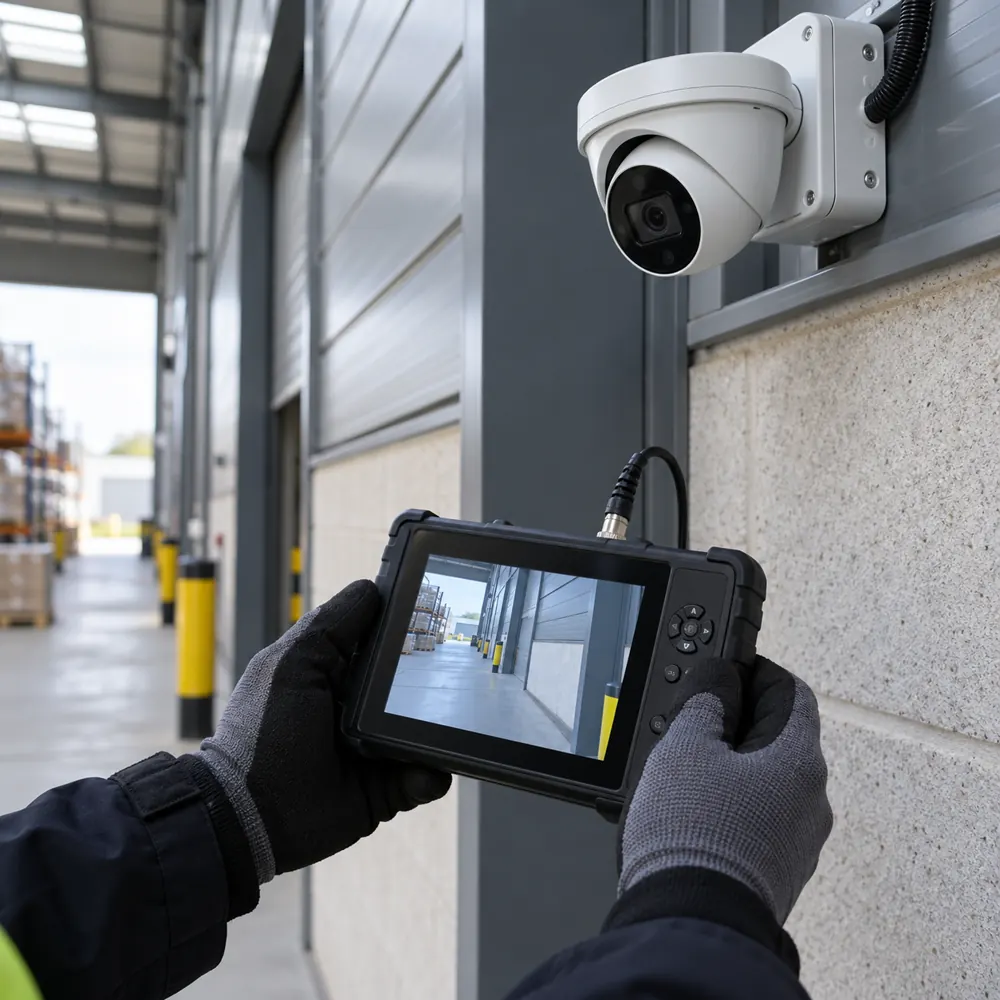
Find Faults Before Footage Is Needed
A camera can display a live picture while the recorder has stopped saving images. Time settings can drift, storage can fail and an export may be unreadable on another device. Maintenance checks the complete path from the scene to a usable recording.
For a facilities manager, the first step is knowing what equipment exists and what each camera is meant to show. A current camera list and location plan make faults easier to report. They also help distinguish a deliberate privacy mask from an accidental loss of coverage.
We review the reported issue, the equipment type and any records from the original installation. A takeover needs an initial assessment because undocumented changes can hide limitations. Where access to software or accounts is missing, agree a legitimate recovery route before work begins.
Inspect Cameras, Recorders And Connections
Camera checks include image quality, focus where adjustable, mounting stability and signs of damage or water ingress. Dirt, spider webs and reflections can reduce useful detail, especially under infrared illumination. Cleaning must use suitable methods and safe access rather than an improvised ladder position.
Recorder checks include recording schedules, storage health, time settings and playback across an agreed sample. Compare the retention actually available with the business policy. A recorder that holds less footage than expected may have a configuration issue, storage problem or a changed workload.
Inspect relevant power supplies, switches and connections for obvious faults. For networked cameras, coordinate changes with the IT administrator. A problem affecting several cameras may come from a shared switch or power source rather than several unrelated camera failures.
Standards, Privacy And System Changes
BS EN 62676-4 covers maintenance and testing as well as the planning and installation of security video systems. It offers a technical reference when defining a maintenance scope. The scope should list what is checked rather than rely on the word service without explanation.
The ICO CCTV checklist asks businesses to review whether CCTV remains the right solution and to consider privacy impacts. Maintenance is a useful opportunity to check views, masking and access permissions after changes to the building. An added camera or different lens can alter the privacy implications.
Review authorised users when staff leave and remove access that is no longer needed. Before updating a Huddersfield CCTV installation, check that the recorder, cameras and viewing software will still work together and remain supported by their manufacturers. Preserve configuration backups and relevant incident recordings before making changes that might alter settings or overwrite data.
Test Playback, Export And Remote Access
A meaningful service includes retrieving recordings, not simply looking at a live multiview. Test an agreed period and check the date, time and correct camera selection. An incident investigation is much harder when camera names do not match the physical locations staff use.
Export a sample clip using the intended business procedure and check that it can be played back. Some systems require a dedicated player, and staff should know where to obtain it safely. Access to exports must be managed because recordings may contain personal information.
Remote viewing should be tested using authorised accounts and the agreed connection method. Confirm that users only see the cameras and functions relevant to their role. A change of broadband or router can affect access, so include recent network changes when describing a fault.
Service Scope, Repairs And Costs
The number and accessibility of cameras, equipment age, documentation and the extent of testing affect maintenance costs. Specialist access equipment or visits outside normal occupation hours may change the quotation. Clarify whether the scope is a scheduled service, a diagnostic visit or a specific repair.
Replacement parts and upgrades should be distinguished from routine maintenance. A failed camera may be replaceable while a recorder at the end of manufacturer support may need a wider discussion. The report should explain observed problems, practical options and any limits on compatibility.
After attendance, ask for a record of the checks performed, faults found and changes made. Prioritise failures affecting recording or essential coverage, then agree other improvements. A useful record gives the next person enough information to understand the system without exposing passwords.
When you enquire, include the symptom, affected cameras, recorder model if known and when the issue started. Mention any recent building or network work. Never send passwords, remote access codes or identifiable incident footage through the general enquiry form.
The Work, Step By Step
- Record The Symptom. Establish the affected views, recent changes and equipment details before changing settings.
- Inspect The System. Assess cameras, relevant connections, recorder status and the actual recording available.
- Test And Document. Check playback and export, then record findings and any agreed repairs or adjustments.
- Agree Follow-Up. Explain unresolved limitations, replacement options and the ongoing checks the business needs.
Further guidance: Government CCTV standards guidance, ICO CCTV checklist.
CCTV Maintenance Questions
How Often Should Commercial CCTV Be Serviced?
Commercial CCTV service intervals should reflect the environment, equipment, use and any contractual or insurer requirements. Cameras overlooking an open Kirklees yard face weather and dirt that a reception camera does not. Agree a documented schedule and carry out routine user checks between visits, especially for recording status, time settings and any loss of important coverage.
Can You Assess A System Installed By Another Firm?
A CCTV system installed by another firm can be assessed, subject to safe access, legitimate administrator permissions and product support. An initial survey should establish the equipment, condition and documentation before ongoing support is agreed. Missing passwords or obsolete software may affect the available options and should be discussed at the outset.