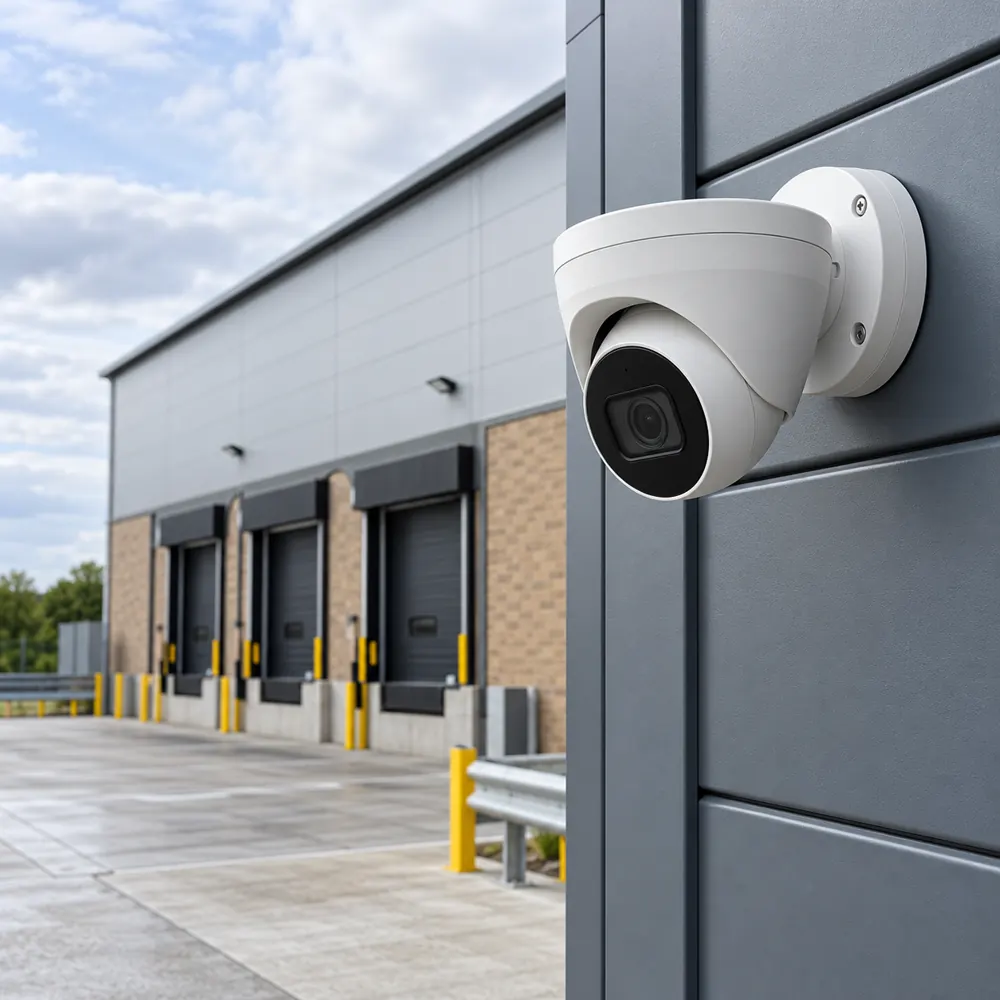
Know What The Camera Must Show
A useful CCTV system answers a practical question. Do you need to identify a person entering reception, understand an incident at a loading bay, or see whether a vehicle has reached a barrier? Those tasks need different views, lighting and camera positions.
We start with an operational requirement for each location rather than a camera count. A wide yard overview may explain a sequence of events while a narrower entrance view provides the detail needed to distinguish individuals. One camera rarely does both jobs equally well.
For a factory, office, school or commercial landlord, the specification should record the areas covered and any deliberate exclusions. We also consider delivery traffic, changes between shifts and access for authorised visitors. These decisions make it easier to compare proposals on useful coverage.
Survey, Design And Installation
The survey checks mounting positions, sight lines, lighting, cable routes and the location of the recorder. We look for backlighting at glazed entrances, reflections from metal cladding, and the effect of headlights on yard cameras. Night-time performance should be considered before equipment is selected.
The design sets out camera types, lenses, recording arrangements and the network connections needed. Power over Ethernet can simplify a new IP installation, but cable distances, switch capacity and power budgets still need checking. Existing coaxial systems may offer upgrade options without replacing every cable.
Installation is organised around agreed access and working areas. Cabling must be protected from damage, outdoor connections must suit the environment, and the recorder should be somewhere access can be controlled. Agree any lifting equipment, permits and work above occupied areas before attendance.
Privacy And Technical Standards
CCTV that records identifiable people involves personal data. The business responsible for the system needs a lawful purpose, appropriate information for people being recorded, controlled access and a justified retention period. There is no single recording duration that suits every business.
The ICO CCTV checklist highlights privacy impacts and limiting camera views in sensitive or shared spaces. We discuss masking neighbouring areas and avoiding unnecessary audio recording. Your organisation remains responsible for its data protection decisions and for responding to requests for footage.
BS EN 62676-4 covers the selection, planning, installation, commissioning, maintenance and testing of security video systems. It provides a useful technical reference for an installation specification. Applying a standard to a project does not by itself demonstrate that a particular installer holds third-party certification.
Commissioning And Everyday Use
Commissioning should prove that live viewing, recording, playback and export all work. Check the date and time, camera names, image quality and what happens after a power interruption. Ask to see a sample export rather than assuming footage can be retrieved when it is needed.
Remote viewing needs agreement with whoever manages your business network. Individual accounts, strong credentials and suitable access restrictions matter as much as the convenience of an app. Avoid sharing administrator passwords between staff who only need to view a limited set of cameras.
Handover should include equipment details, a coverage plan, user instructions and an explanation of backup arrangements. Nominate someone to check recording health and manage user access. Our CCTV maintenance page explains why a working live image does not prove that recordings are healthy.
What Affects CCTV Installation Cost
The main cost factors are the number of useful views, the detail required, cable routes, mounting access and storage capacity. Challenging low light, long distances and exposed equipment can change the specification. Network work and additional electrical supplies should appear as separate items where relevant.
Ask whether the quotation includes configuration, user training, export testing and any recurring software or cloud fees. A replacement recorder may not support all features of older cameras. A survey is the appropriate basis for a quotation rather than a price based only on the number of cameras.
When you enquire, describe the premises, areas of concern and any existing equipment. Include the postcode and whether the site is occupied during installation. Do not send camera passwords or footage containing identifiable people through the enquiry form.
The Work, Step By Step
- Define The View. List the doors, yards and internal spaces to record, with the purpose of each view.
- Survey The Infrastructure. Check lighting, mounting access, cable routes, network capacity and recorder security.
- Install And Configure. Fit the agreed equipment and configure recording, user access and privacy settings.
- Prove The Recording. Test playback and a sample export, then explain daily checks and maintenance.
Further guidance: Government CCTV standards guidance, ICO CCTV checklist.
CCTV Questions
Can Existing CCTV Cameras Be Reused?
Existing CCTV cameras can sometimes be reused after compatibility, condition and image quality checks. Connectors alone do not prove that recording, analytics or remote access will work with new equipment. Provide the model details if available, then ask for retained equipment and any limitations to be listed in the proposed scope.
How Long Should CCTV Footage Be Kept?
CCTV footage should be kept for a period justified by the purpose of recording and your business needs. A fixed period copied from another site may be inappropriate. Document the decision, limit access and check automatic deletion settings. Retain relevant footage separately when an incident needs investigation, subject to your data protection procedures.